
Why Scanning Your Artwork Beats a Photo (And What 600 DPI Actually Means)
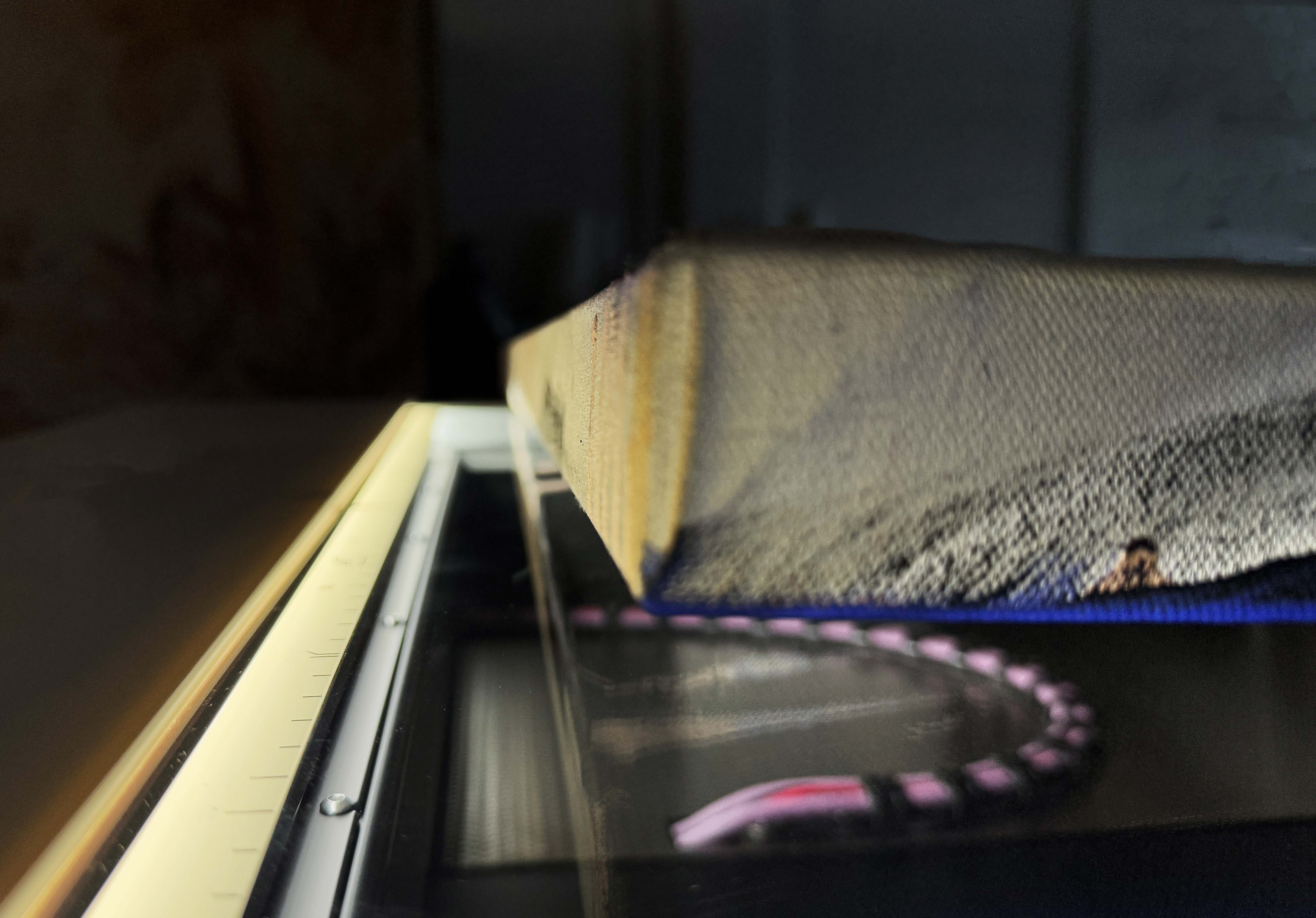
Every artist's done it. You prop the painting against a wall, angle your phone, take fifteen photos hunting for the one where the light doesn't wash out the colour, and upload the least-bad one anyway. Good enough for Instagram.
But what happens when good enough isn't good enough — when you need a file for a giclée print, a gallery submission, a licensing deal, or an archival record that'll outlive the original?
Why a photo isn't the same as a scan
A camera lens introduces problems you can't really fix after the fact:
- Lens distortion. Even a good lens bends slightly at the edges of the frame — straight canvas edges come out very slightly curved.
- Uneven light. Getting flat, even light across a large piece without hotspots or shadows takes proper lighting gear. Most of us are working with whatever's coming through the studio window.
- Colour drift. Camera sensors don't see colour the way your eye does, and different light sources shift the colour temperature. What looks right on your phone can print completely wrong.
- Focus fall-off. If your work has texture — heavy brushwork, raised paint — a lens focuses on one plane. Anything sitting slightly proud or recessed can go soft.
A flatbed scanner sidesteps all of it. There's no lens to distort anything — a row of sensors passes directly over the artwork at a fixed distance, under controlled, even light, recording what's actually there instead of interpreting it through glass.
What 600 DPI actually gets you
DPI — dots per inch — is how much image information gets captured per inch of your artwork. At 600 DPI, a 50cm × 70cm painting produces a file of roughly 195 megapixels. A 12-megapixel phone photo of the same piece captures under 2% of that. That's the practical difference between a file that reproduces your work faithfully at full size — or enlarged well beyond it — and one that starts falling apart above A4.
We scan at 600 DPI as standard, with 1200 DPI available on request, and our flatbed handles work up to 2 metres — oil, acrylic, watercolour, pencil, mixed media, all of it. At that resolution, your file can be enlarged up to 4 times the original size without losing what made the piece good in the first place.
When you actually need a proper scan
Not everything needs archival scanning — a decent phone photo is genuinely fine for a quick Instagram post. You need a real scan when:
- You're producing giclée prints or a limited edition
- You're submitting to a gallery, publication, or grant application
- You're licensing your work and need a file that holds up across repeated use
- You're building a permanent archive of your originals — for insurance, estate planning, or just peace of mind
- You're handing a file to a printer or framer who needs exact, undistorted dimensions
Our three tiers
- Raw Scan — from $55. A high-resolution, unprocessed file, straight off the scanner. You keep full control if you're comfortable doing your own post-production.
- Basic Scan — from $77. Standard colour correction, a basic retouch, master file, JPEGs, and an A4 fine art proof.
- Full Service Scan — from $99. Expert colour matching, detailed retouching, and a full file set — proofed until it genuinely matches your original, not just gets close. Fully print-ready, nothing left for you to do.
Every file is colour-managed in-house against your actual artwork, by a team who print fine art giclée on these exact papers every day — so we know precisely what a file needs to look right once it hits paper, not just on a screen.
Don't just take our word for it
"These guys are amazing! I am blown away every time I see the quality of the prints they produce."
— Jonathan Heathcote
"The colours are vibrant, and the clarity is unmatched, showcasing a commitment to excellence in every print."
— Emily Fennal
Ready to see the difference for yourself Start a scanning project →
-
Posted in
artwork scanning, guide, scanning
)